
The Best Flood Sensor Is the One Your Hub Supports
With flood sensors, the protocol and hub decision comes before the brand — it determines battery life, local alerts, shutoff automation, and how painless pairing will be. Compare Zigbee, Z-Wave, Matter, Wi-Fi, and LoRa leak detectors to find one that actually integrates with your Home Assistant, SmartThings, Homey, or Hubitat setup.
Last updated
The easiest way to buy the wrong smart home flood sensor or leak detector is to start with the brand name. A water sensor can have a polished app, a decent star rating, and a reassuring “works with” badge, then still fail the one test that matters in a hub-based home: will your hub hear it fast enough, locally enough, and clearly enough to trigger the automation you built for a leak?
Start one layer lower. Before choosing Aqara, Zooz, Kidde, YoLink, Shelly, ThirdReality, IKEA, or anything else, choose the protocol path your home can actually support. Wi-Fi, Zigbee, Z-Wave, LoRa, and Matter do not behave like interchangeable labels on the box. They decide whether the sensor talks directly to Home Assistant, SmartThings, Homey, or Hubitat; whether a valve can close without waiting on a vendor cloud; whether a detached garage stays connected; and whether you will be replacing coin cells next summer.
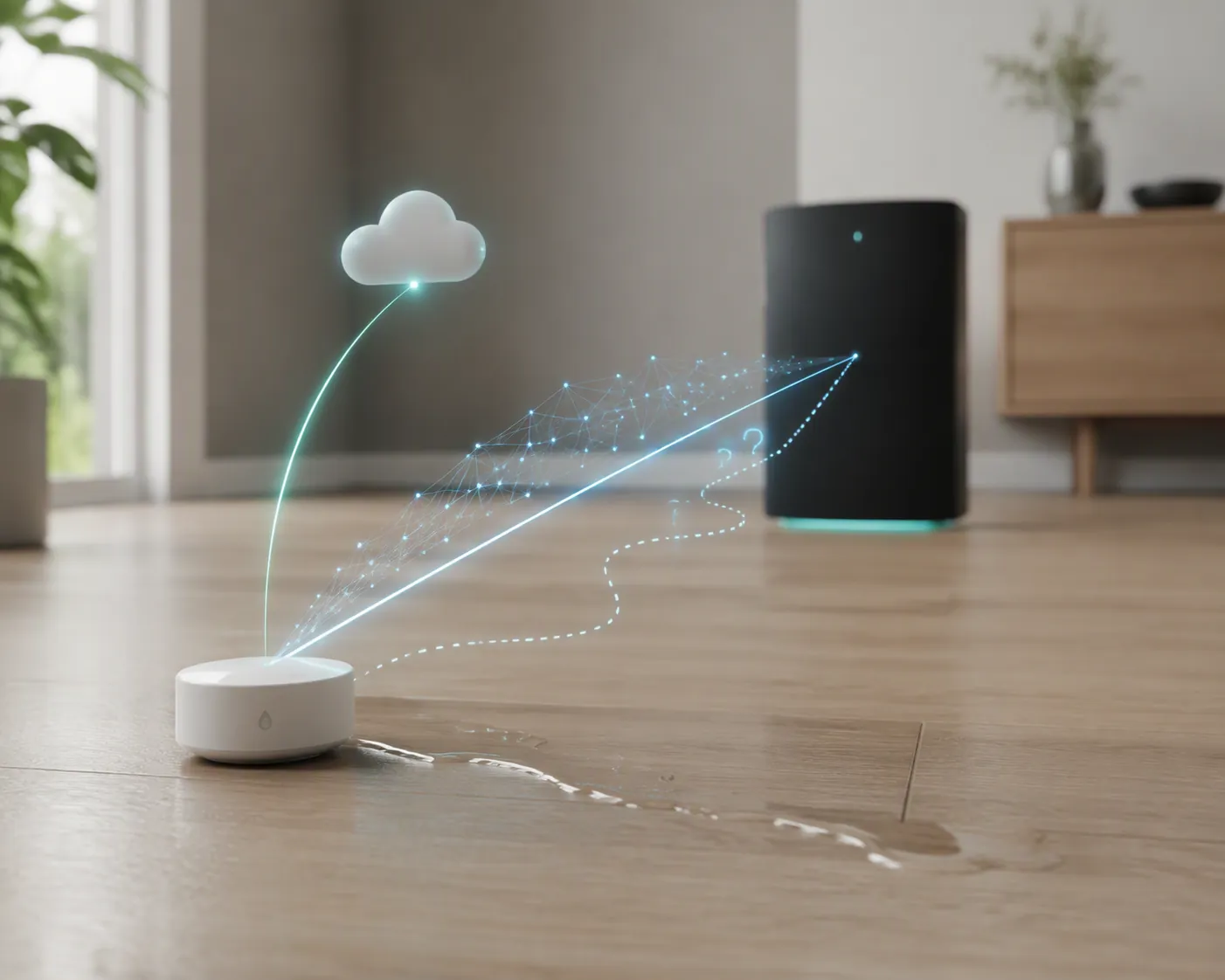
Battery life makes the protocol choice concrete. In Homey’s water-leak-detector comparison table, the Z-Wave Zooz ZSE42 is listed at about one year on a CR2032, while Frient and GoveeLife entries are listed at up to five years, and the Sensative Strips Drip reaches up to ten years with the major caveat that its battery is not replaceable.[1] That is not a neat ranking of “best” and “worst.” It is the maintenance bill arriving early. A sensor under a dishwasher is useful only if it is still alive when the dishwasher finally misbehaves.
Choose the path before the sensor
For a hub-based home, the first question is not “Which leak detector is best?” It is “Which leak detector can my hub use as a real input?” A useful leak sensor should appear in the hub as a water, moisture, or alarm entity that automations can act on. If the sensor only pushes a notification through its own app, it may still be a good standalone alarm, but it is not doing the same job.
| Protocol path | Where it usually fits | What to verify before buying |
|---|---|---|
| Wi-Fi | Fast standalone setup, app alerts, audible alarms | Whether your hub gets a usable leak event, not just a vendor-app notification |
| Zigbee | Local hub automations, compact battery sensors, mesh homes | Hub support, repeater compatibility, bridge requirements for HomeKit/Alexa/Google/Matter |
| Z-Wave | Local hub automations, strong Home Assistant/Hubitat-style deployments | Region, security inclusion behavior, entity exposure, and battery expectations |
| LoRa | Long-distance spots such as detached garages, outbuildings, far utility rooms | That you are comfortable using the vendor hub path and its automation limits |
| Matter in 2026 | Promising cross-platform direction, still uneven by product and hub | Exact transport, hub pairing reports, driver status, and date-sensitive compatibility notes |
That last column is where the real work is. “Supports Zigbee” does not tell you whether an Aqara sensor will behave on your existing repeater network. “Matter compatible” does not tell you whether your SmartThings setup has the right driver today. “Wi-Fi” does not tell you whether your shutoff valve automation will ever see the leak.
Zigbee: excellent when the mesh and bridge story are understood
Zigbee leak sensors are often the sweet spot for hub people because they can be small, battery-friendly, and locally useful. A Zigbee contact on the floor becomes an automation input: send notifications, turn on lights, shut a valve, or pause a washing machine circuit if the rest of your setup supports it. The cost is that Zigbee is a mesh, and meshes have opinions.
The Aqara Water Leak Sensor T1 shows both sides of the category. On paper, it is exactly the kind of compact floor-contact sensor that belongs under sinks, near a toilet supply line, or by a water heater pan. It is rated IP67, has a reported trigger depth of about 0.5 mm, and does not rely on a large on-device siren to justify itself.[2] In a hub-first home, those are good traits: the sensor’s job is to notice water and wake the system, not to be the whole system.
The catch is ecosystem routing. The Aqara T1 needs an Aqara hub for HomeKit, Alexa, Google, and Matter paths, while Home Assistant and IFTTT are described as working directly over Zigbee.[2] That distinction matters more than the logo on the retail page. If you planned to pair it directly to a Zigbee coordinator in Home Assistant, you are making a different purchase than someone expecting a polished HomeKit path through an Aqara bridge.
There is also the old Aqara repeater problem. Aqara Zigbee devices have a reputation for being picky about repeaters, and Make It Work Tech specifically flags Aqara repeater flakiness as a gotcha in Home Assistant leak-sensor use.[4] That does not make the T1 a bad sensor. It means a strong general Zigbee mesh is not automatically a strong Aqara mesh. If the sensor will sit behind a dishwasher, test it there before trusting it, and test it after the route has settled rather than while you are still standing next to the coordinator.
Zigbee is usually the right direction when your hub already has solid Zigbee support, your powered repeaters are known-good with the devices you use, and you want leak detection to become part of broader local automations. It is less attractive if you are buying your first Zigbee device and the leak sensor will be buried at the edge of the house behind appliances, with no patience left for mesh debugging.
Z-Wave: local control with less battery forgiveness
Z-Wave remains a strong fit for leak detection when the goal is dependable hub integration rather than a vendor-app experience. In Home Assistant, Hubitat, and similar local-control setups, a Z-Wave leak sensor can be a clean trigger for automations that matter: shut the main valve, cut power to a pump, turn on lights, and escalate notifications until someone acknowledges the event.
The Zooz ZSE42 is the useful example here because it is not trying to be glamorous. It has four floor-contact electrodes for early contact detection, which is exactly what a leak sensor should prioritize.[3] Make It Work Tech also highlights the ZSE42 in a Home Assistant leak-sensor context, including the practical battery expectation: about a year on a CR2032.[4]
That one-year figure should change where you deploy it. A CR2032-powered Z-Wave sensor can be perfectly reasonable under a bathroom vanity you open often. It is more annoying under a built-in dishwasher or behind a stacked laundry unit, where replacing the battery becomes a furniture-moving event. This is the kind of compromise that gets hidden when buyers sort by ratings instead of maintenance.
The other Z-Wave caveat is inclusion behavior. Make It Work Tech notes Z-Wave JS S2 entity issues as a gotcha.[4] In plain terms: secure inclusion and entity exposure can turn a ten-minute pairing job into an afternoon of excluding, re-including, checking logs, and wondering why the one entity you need is not the one your automation sees. That is survivable if you are comfortable with Z-Wave JS. It is not the same as buying a disposable siren puck and sticking it under a sink.
Choose Z-Wave when your hub already runs a healthy Z-Wave network and you value local automation more than multi-year coin-cell convenience. Check region, inclusion mode, and exposed entities before finalizing the automation. A leak sensor that paired “successfully” but exposed the wrong alarm state is not finished.
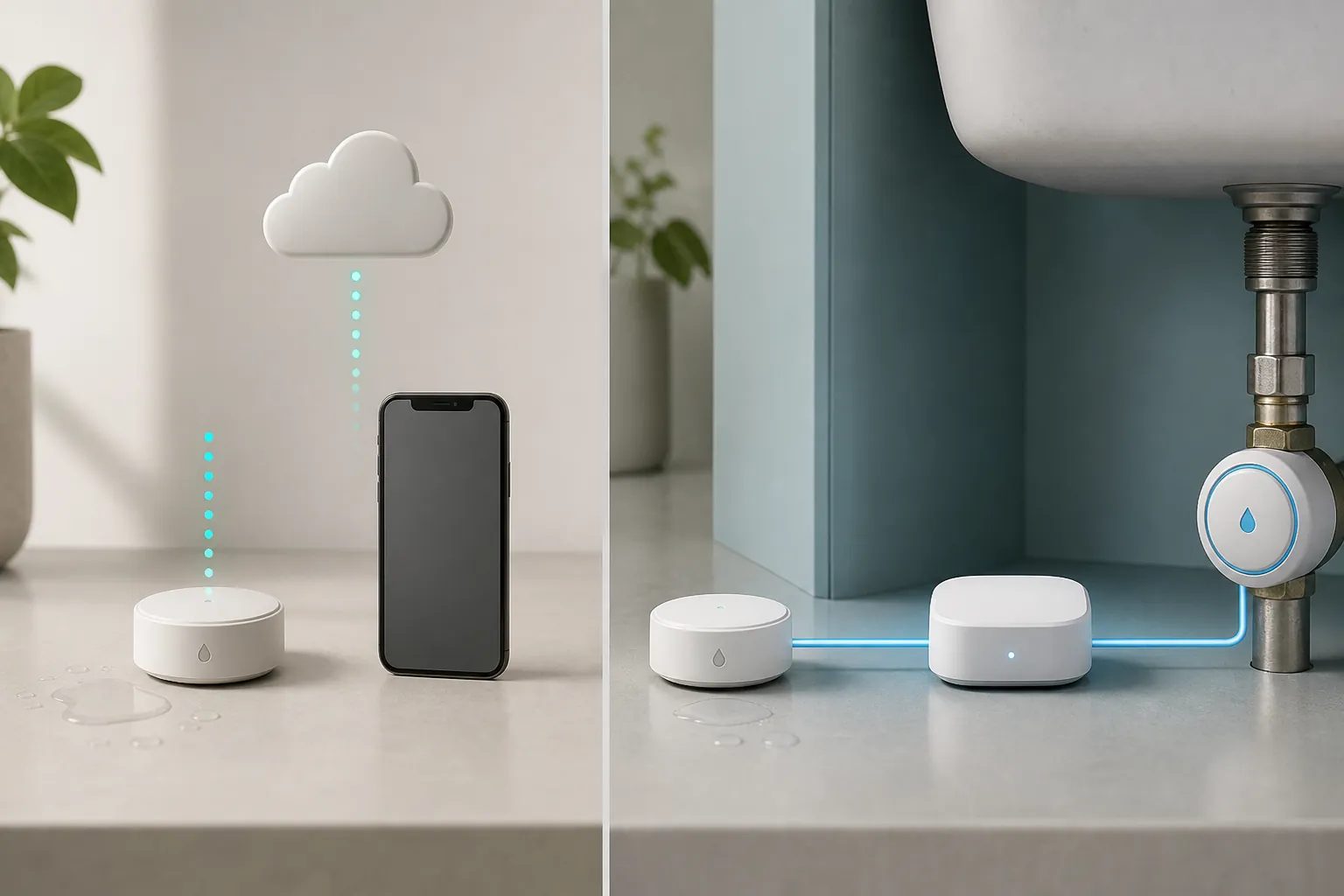
Wi-Fi: give it credit for speed, then check the automation ceiling
Wi-Fi leak detectors are easy to underestimate if you live in hub dashboards all day. Many are simple to deploy: install the app, join Wi-Fi, put the sensor where water would appear, and you have an alerting device without building a mesh or maintaining a radio stick. For a friend who just wants something under the water heater tonight, that matters.
The Kidde Water Leak + Freeze Detector deserves that credit. Wirecutter measured its alarm at about 94 dB from 10 feet, and its testing used a 700-square-foot home, a 1/8-inch water plate, and meter readings at 10 and 20 feet.[5] A loud local siren is not a gimmick when someone is home. If the phone is muted, the internet is down, or the app notification gets buried, a hard-to-ignore sound can still save a floor.
The limitation is integration depth. Wirecutter describes Kidde’s third-party integration as shallow: Alexa Skill support, but no Google automations.[5] For an app-first household, that may be fine. For a hub-based home, it changes the job description. The Kidde can be a fast standalone alarm, but it is not automatically the sensor that closes your smart valve through Home Assistant or Hubitat.
Wi-Fi makes sense when speed and standalone alerting matter more than local automation. It is also reasonable as a secondary layer in a high-risk spot where a loud siren has value on its own. Just do not buy a Wi-Fi detector assuming your hub will treat it like a native leak entity unless you have confirmed the integration path.
LoRa: the range problem has a different answer
Some leak locations are not really Zigbee, Z-Wave, or Wi-Fi problems. They are distance problems. Detached garages, garden utility rooms, outbuildings, and far corners with masonry between the sensor and the house can turn a technically compatible device into an unreliable one. A leak sensor that drops off the network for three days and reconnects when you walk near it is not protection.
That is where YoLink’s LoRa approach is interesting. YoLink claims up to a quarter-mile radio range, and Wirecutter reported running a sensor in a detached garage 125 feet from the hub with no connectivity issues.[5] The verified 125-foot detached-garage case is more useful than the maximum claim, because it describes the kind of awkward real placement that breaks ordinary smart-home assumptions.
LoRa is not magic, and it usually means accepting a vendor hub path rather than treating the sensor as just another native Zigbee or Z-Wave endpoint. But if the practical problem is “my shed has a water line and none of my mesh devices reach it,” range beats elegance. A reliable alert from the outbuilding is better than a perfectly local automation that never receives the event.
Matter leak sensors in 2026: promising, but buy by exact hub path
Matter leak sensors are finally worth watching in 2026. That is not the same as saying Matter has made leak detection simple. For lights and plugs, the category has had more time to settle. For water sensors, the field is still small enough that every product needs a dated compatibility check against the hub you actually run.
| Matter option | Status as of August 25, 2026 | Why the label is cautious |
|---|---|---|
| Shelly Flood Gen4 | Investigating | Announced as Matter over Wi-Fi plus Zigbee and Bluetooth, with configurable alarm profiles; verify actual availability and hub behavior before buying. |
| ThirdReality KM1 | Workaround / Investigating | Matter-over-Wi-Fi controller with long-range 433 MHz satellites, but SmartThings pairing failed in a month-long Matter Alpha test. |
| IKEA KLIPPBOK | Confirmed where your Thread/Matter path is confirmed | Matter over Thread with on-device siren and only a border router required per Homey’s guide; still verify your hub and border-router setup. |
Shelly Flood Gen4 is the most protocol-dense of the bunch on paper. HomeKit News reported in March 2026 that Shelly announced a forthcoming Matter water-leak sensor with Matter over Wi-Fi, plus Zigbee and Bluetooth, and configurable alarm profiles.[6] That is intriguing because Shelly users are often already thinking in terms of local-ish control and flexible integrations. But “forthcoming” and “announced” are not the same as “confirmed in your hub with the entities you need.” Until availability and hub behavior are verified, treat it as Investigating rather than solved.
ThirdReality’s Water Leak Sensor Kit KM1 is a different kind of Matter bet: a Matter-over-Wi-Fi controller with up to 10 long-range 433 MHz satellite sensors.[7] The architecture is appealing for spread-out leak points because the satellites do not each need to be full Matter devices. The compatibility warning is not theoretical, though. Matter Alpha’s month-long review reported that the KM1 failed to pair with SmartThings during testing.[7] If SmartThings is your hub, that single result does not prove the product will always fail, but it absolutely moves the purchase into “verify current driver and pairing reports first” territory.
IKEA KLIPPBOK may be the most straightforward Matter idea in this group: Matter over Thread, an on-device siren, and only a border router required according to Homey’s guide.[1] That is the kind of specification that should age well if Thread routing and hub support are solid in the home. Still, the same rule applies. Confirm that your Home Assistant, SmartThings, Apple Home, Homey, or other controller path exposes the leak state in a way your automation can use.
Matter’s best promise for leak sensors is not branding. It is the possibility that a sensor can join more than one serious ecosystem without a vendor bridge becoming the center of the system. In 2026, that promise is real enough to consider and uneven enough to check product by product. Date the claim. Read recent hub-specific pairing notes. Do not assume a successful Apple Home pairing predicts a successful SmartThings or Home Assistant experience.
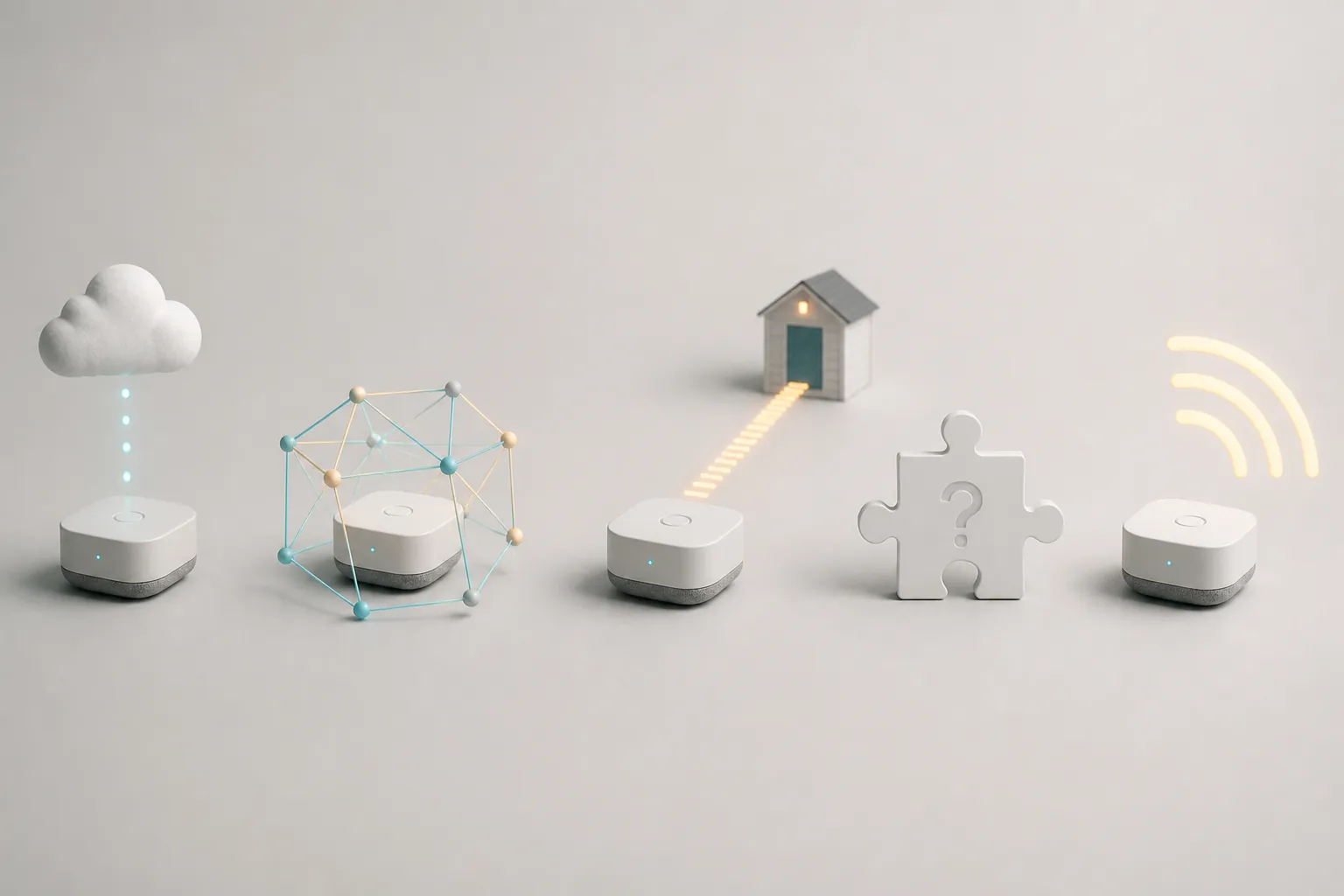
The compatibility check that prevents bad buys
A leak detector purchase should narrow quickly. If you already run Home Assistant with Zigbee2MQTT, ZHA, or Z-Wave JS, your shortlist is different from someone running SmartThings with Matter devices, and different again from someone who only wants an app and siren. The right sensor is the one that lands cleanly in the system that will carry the alert.
- Identify the hub that must receive the leak event: Home Assistant, SmartThings, Homey, Hubitat, Apple Home, Alexa, or a vendor hub.
- Confirm the exact protocol path: direct Zigbee, direct Z-Wave, Matter over Thread, Matter over Wi-Fi, vendor bridge, Wi-Fi cloud, or LoRa through a vendor hub.
- Check whether the hub exposes a usable leak state, not just a notification inside an app.
- Test the sensor in the final location, especially under appliances, near metal cabinets, in utility rooms, and in detached structures.
- Decide whether the expected battery interval is acceptable for that location.
- If a shutoff valve is part of the plan, test the full chain: water contact, hub event, automation trigger, valve action, and notification.
The shutoff test is where weak integrations show themselves. A cloud notification that arrives on a phone is not the same as a local event that closes a valve. A siren that screams in the laundry room is not the same as a hub state change. Both can be useful; they just solve different parts of the problem.
If you run Home Assistant
Home Assistant buyers have the most flexibility and the most ways to waste an afternoon. Zigbee and Z-Wave sensors are usually the first places to look because they can become local entities and feed automations directly. Aqara T1 can be attractive if your Zigbee setup handles Aqara devices well, but repeater behavior deserves testing.[2][4] Zooz ZSE42 is attractive on the Z-Wave side if the CR2032 maintenance interval is acceptable and Z-Wave JS exposes the right alarm entities.[4]
If you run SmartThings
SmartThings buyers should be especially careful with 2026 Matter claims. The ThirdReality KM1’s SmartThings pairing failure in Matter Alpha’s month-long test is the warning sign here.[7] That may change with drivers and firmware, but it means a current SmartThings confirmation matters more than the Matter logo. Zigbee devices can still be a strong fit when supported, while Wi-Fi app-only sensors should be treated as standalone alarms unless SmartThings receives a usable event.
If you run Homey or Hubitat
Homey and Hubitat homes usually benefit from staying inside the protocols the hub already handles well. Homey’s own guide is useful for comparing specifications such as battery expectations and Matter/Thread notes, but its EUR pricing context should not be treated as a U.S. buying guide.[1] Hubitat owners should apply the same operational filter: does the driver expose the water alarm cleanly, does the device stay connected in the final location, and can the automation run without depending on a vendor app?
Battery life is not a footnote
Leak sensors are easy to overbuy and under-maintain. The devices are small, relatively cheap compared with water damage, and usually installed in places people stop looking at. That makes battery replacement part of the product, not an afterthought.
The spread in the Homey table is wide enough to affect placement: about one year for Zooz ZSE42, up to five years for Frient and GoveeLife entries, and up to ten years for Sensative Strips Drip with a non-replaceable battery.[1] A sealed long-life sensor can make sense where changing batteries is painful, but the non-replaceable design means the whole device becomes the consumable. A one-year CR2032 device is easier to revive, but only if someone actually replaces the cell before the low-battery warning becomes an offline sensor.
For high-risk locations, maintenance should be part of the automation plan. Put low-battery alerts somewhere visible. Add periodic “still alive” checks if your hub supports them. After replacing a battery, wet-test the contacts with a controlled setup rather than assuming the device rejoined correctly. A leak detector that silently fell off the mesh is worse than no smart detector, because it creates confidence without coverage.
What I would buy by situation
For a hub-based home with a mature Zigbee network, I would start with Zigbee leak sensors that are known to behave with that hub and repeater mix. Aqara T1 is compelling when its bridge and repeater caveats fit the installation: sensitive, compact, IP67, and useful over Zigbee, but not something to scatter blindly through an untested mesh.[2][4]
For a Z-Wave-heavy Home Assistant or Hubitat home, I would look hard at the Zooz ZSE42 if early floor-contact detection and local automation matter more than long battery intervals. Its four-electrode design is practical, but the roughly one-year CR2032 expectation means it belongs on a maintenance list from day one.[3][4]
For someone who needs protection tonight and does not have a hub plan, I would not sneer at Kidde. A Wi-Fi detector with a measured 94 dB alarm at 10 feet can be the right first move when the alternative is waiting weeks to design the perfect system.[5] I just would not confuse that with deep hub automation unless the integration has been proven.
For a detached garage or outbuilding, I would consider YoLink before trying to stretch a mesh beyond what it wants to do. Wirecutter’s 125-foot detached-garage result is exactly the kind of practical range evidence that matters for those placements.[5]
For Matter in 2026, I would buy only after confirming the exact device, hub, firmware, and transport. Shelly Flood Gen4 is interesting but still needs availability and hub-behavior verification.[6] ThirdReality KM1 is clever but carries a current SmartThings caution from testing.[7] IKEA KLIPPBOK looks cleaner where Thread/Matter support is already solid, but the border-router and hub path still need to be real in your home, not just present on a spec sheet.[1]
The practical answer is deliberately not a single winner. If your home is hub-based, buy the leak detector your hub can integrate locally and reliably. Use Wi-Fi when standalone alerts and a loud siren are enough. Use Zigbee or Z-Wave when the leak event needs to become an automation. Use LoRa when distance is the problem. Treat Matter leak detectors as promising, date-sensitive buys until your exact hub path is confirmed.
References
- Best Water Leak Detectors, Homey
- Aqara Water Leak Sensor T1, Smart Home Compared
- Z-Wave Zooz Water Leak XS Sensor vs Zigbee Frient Water Leak Detector: Ultra-Thin Protection Meets Smart Home Integration, Vesternet
- Best Water Leak / Flood Sensors for Home Assistant, Make It Work Tech
- The Best Smart Water-Leak Detector, Wirecutter, The New York Times
- Shelly Announces Forthcoming Matter Water Leak Sensor, HomeKit News, March 10, 2026
- ThirdReality Water Leak Sensor Kit Review: Long-Range Reliability Meets Matter, Matter Alpha
Known issues with this device / protocol
Spec-version history
For active regressions on this protocol, see Update Watch.
No linked Update Watch entries yet.